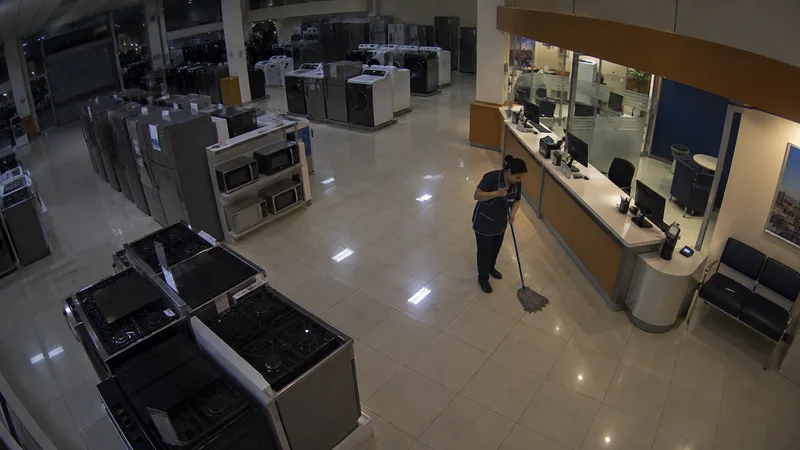
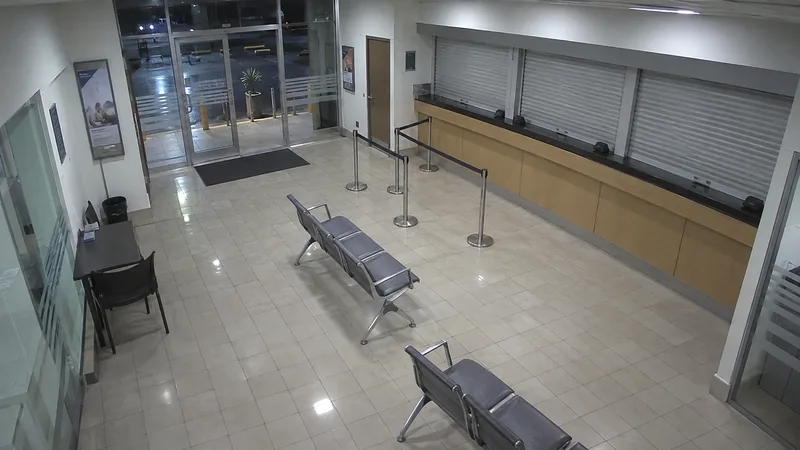
Store at night
Store at night20:14:02
Match
Hands up
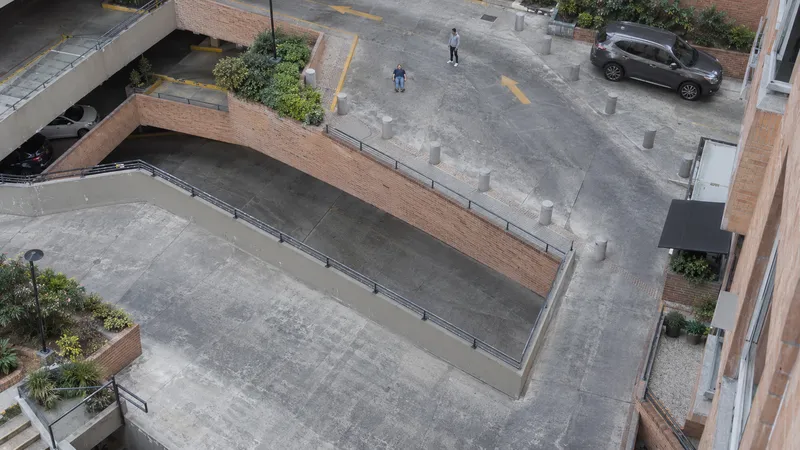
Person down
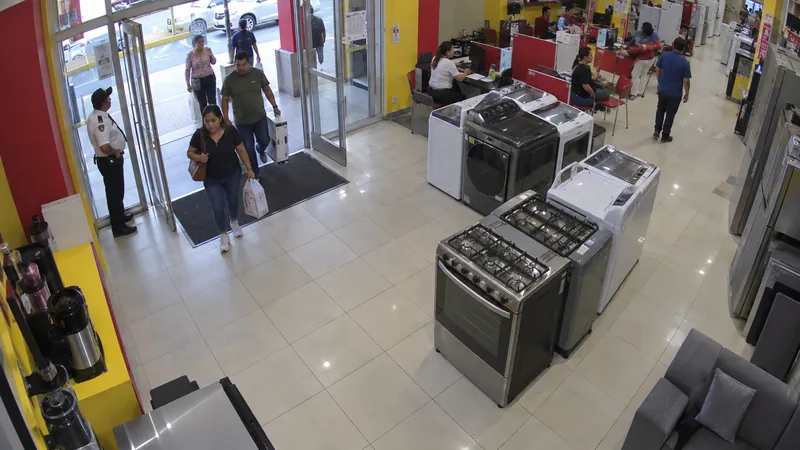
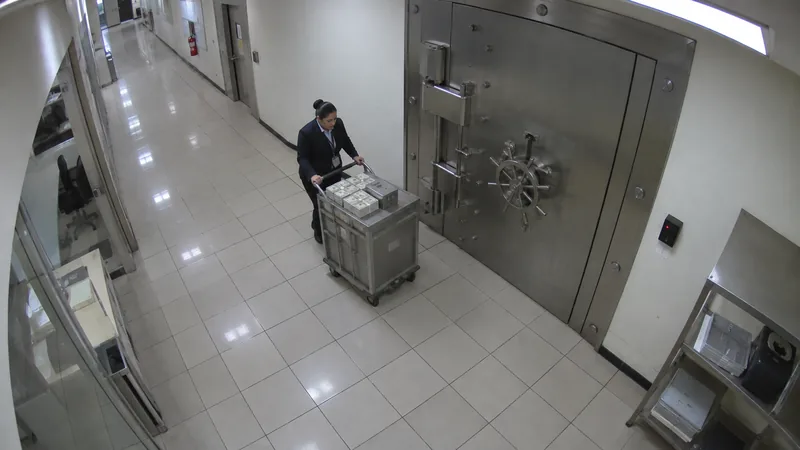
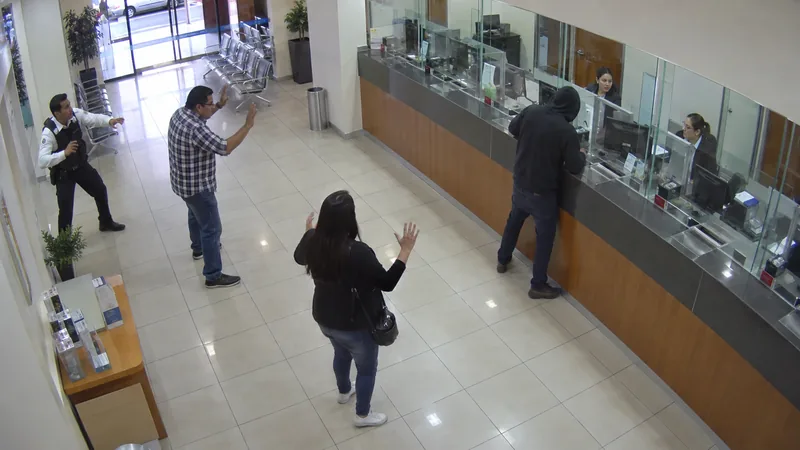
Hands up
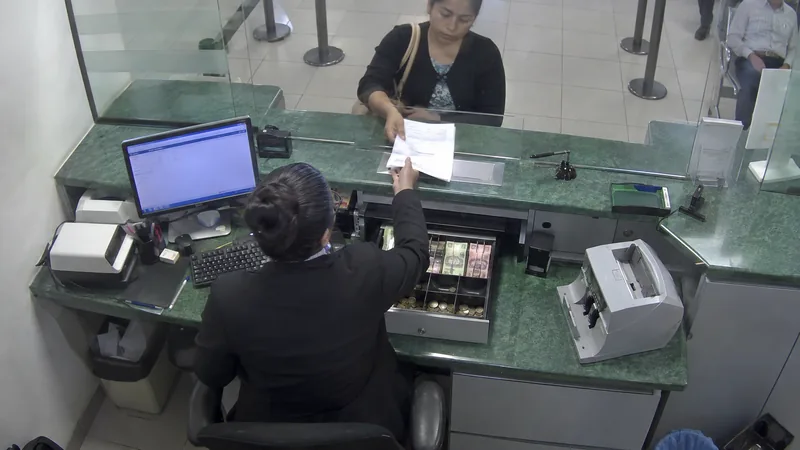
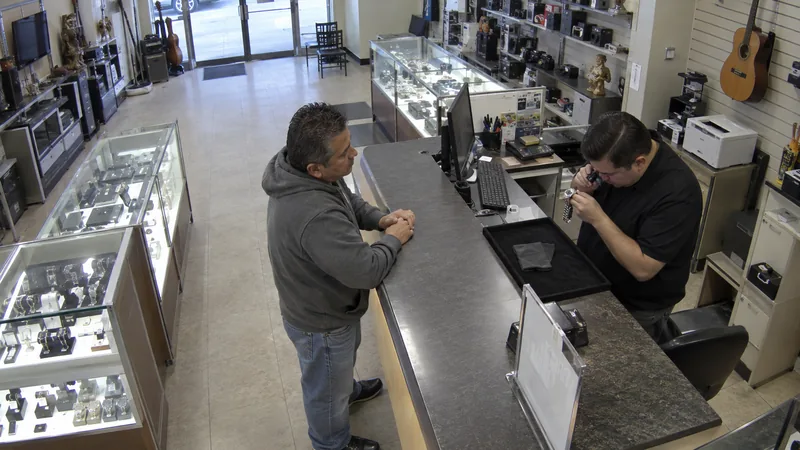
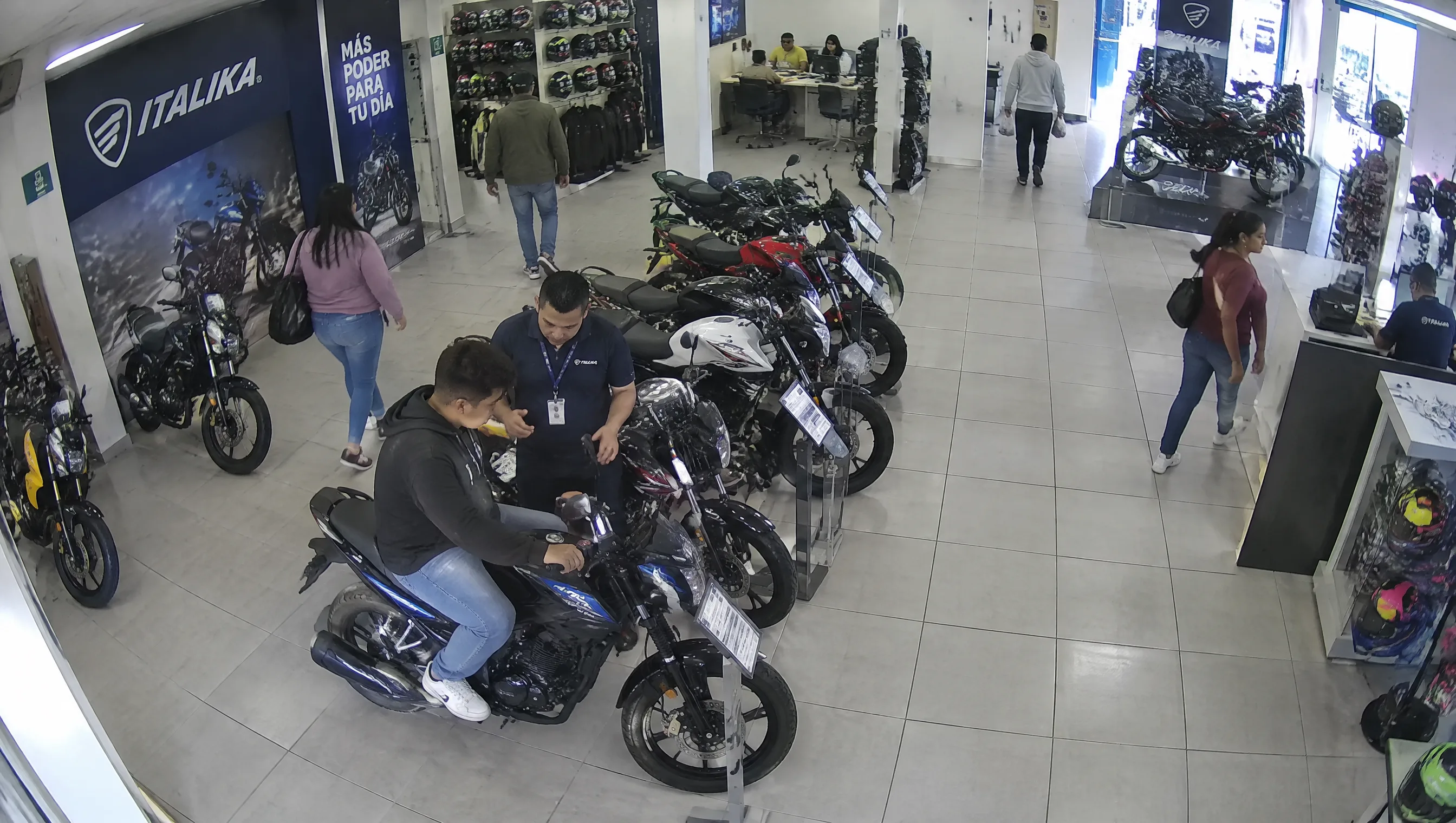
Motorbikes at the entrance
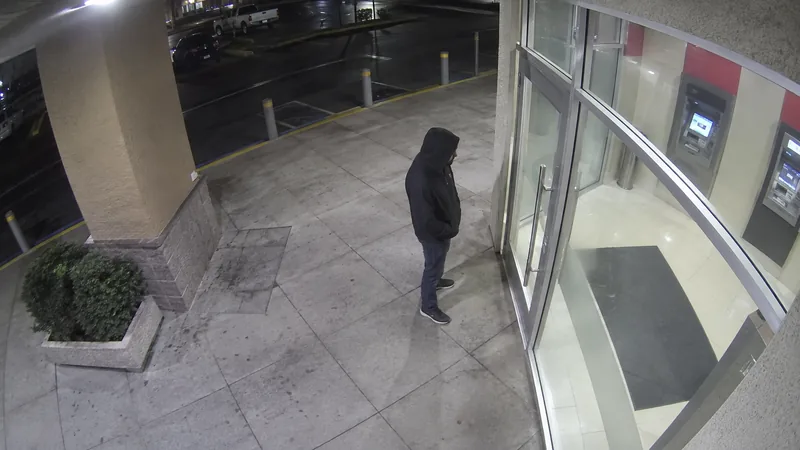
Loitering · 4 min
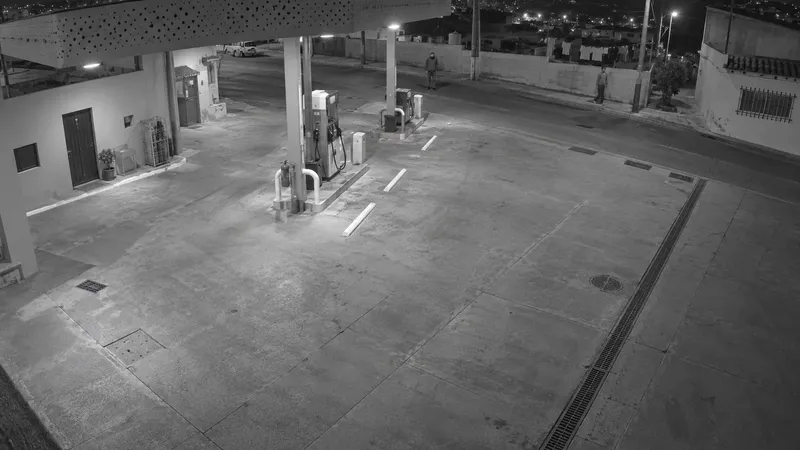
Face covered
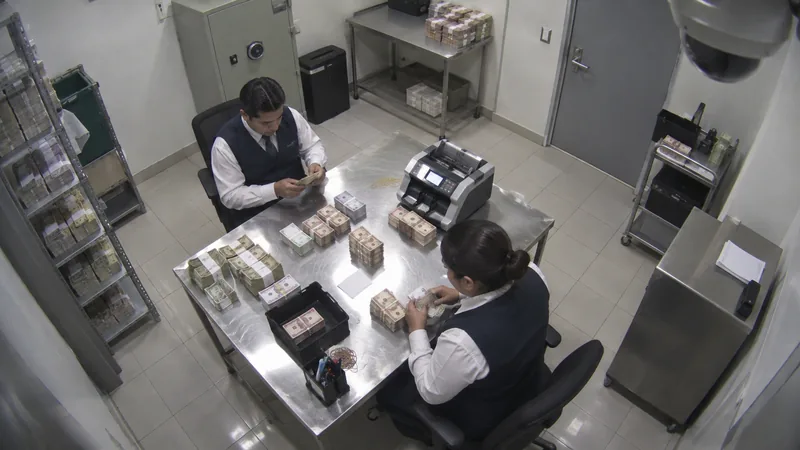
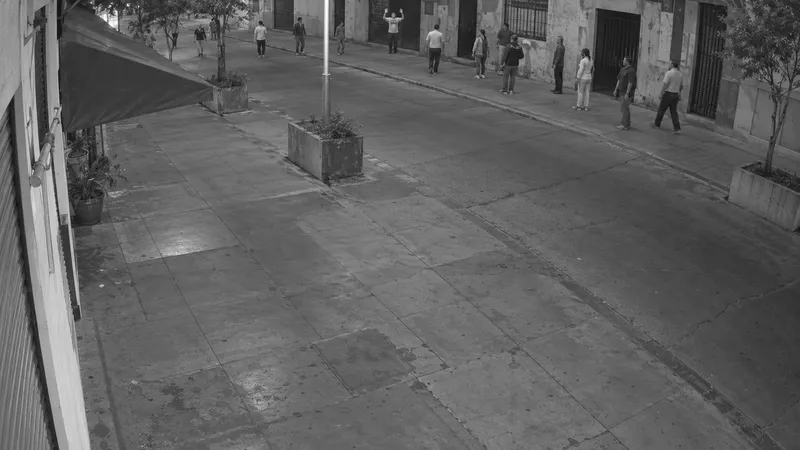
Hands up
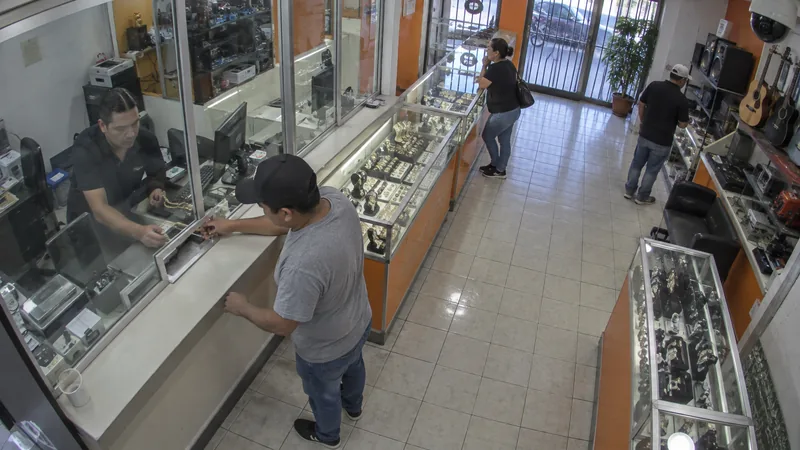
Demonstration · Generated scenes; reticles, pose and classes are detector output. Event labels are model tags (analytics) or scene annotations; cameras from the registry.
The platform
Video, search, analytics, response, integration, operations and deployment. Your existing cameras connect work at the site to the central platform, from the recorded moment to a decision with an owner.
Explore the platform
Watch and review video from the cameras you already have.
Explore →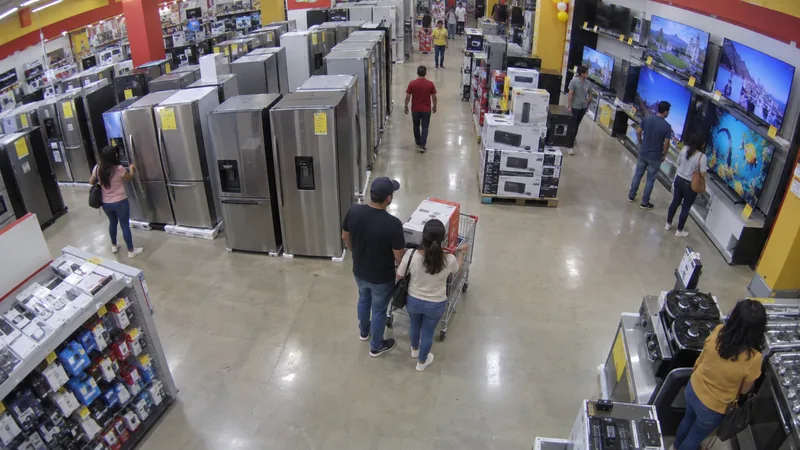
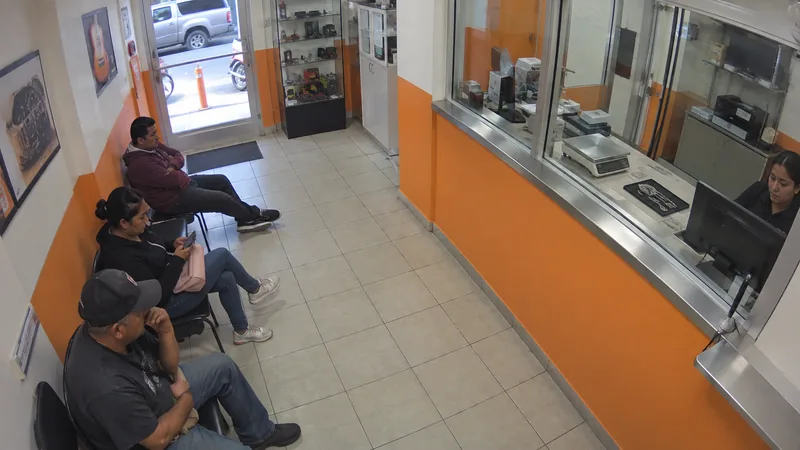
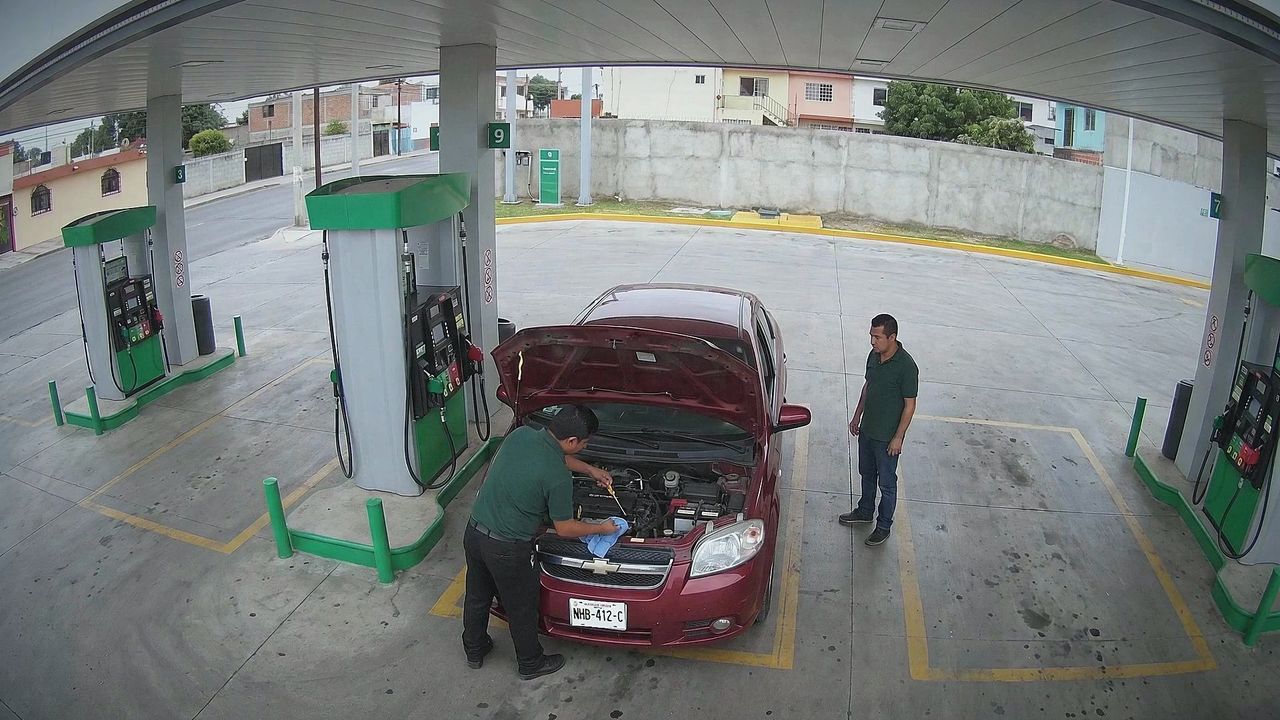
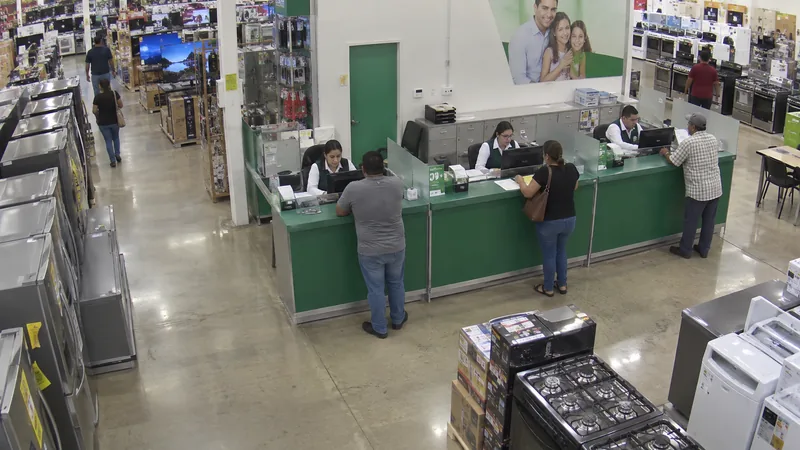
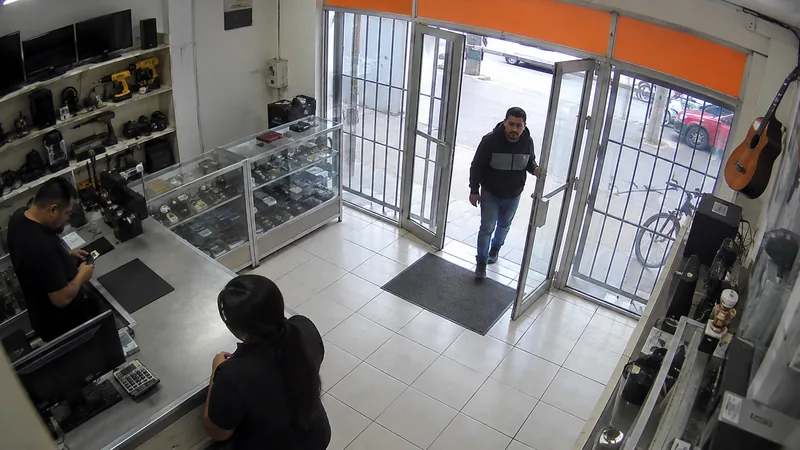
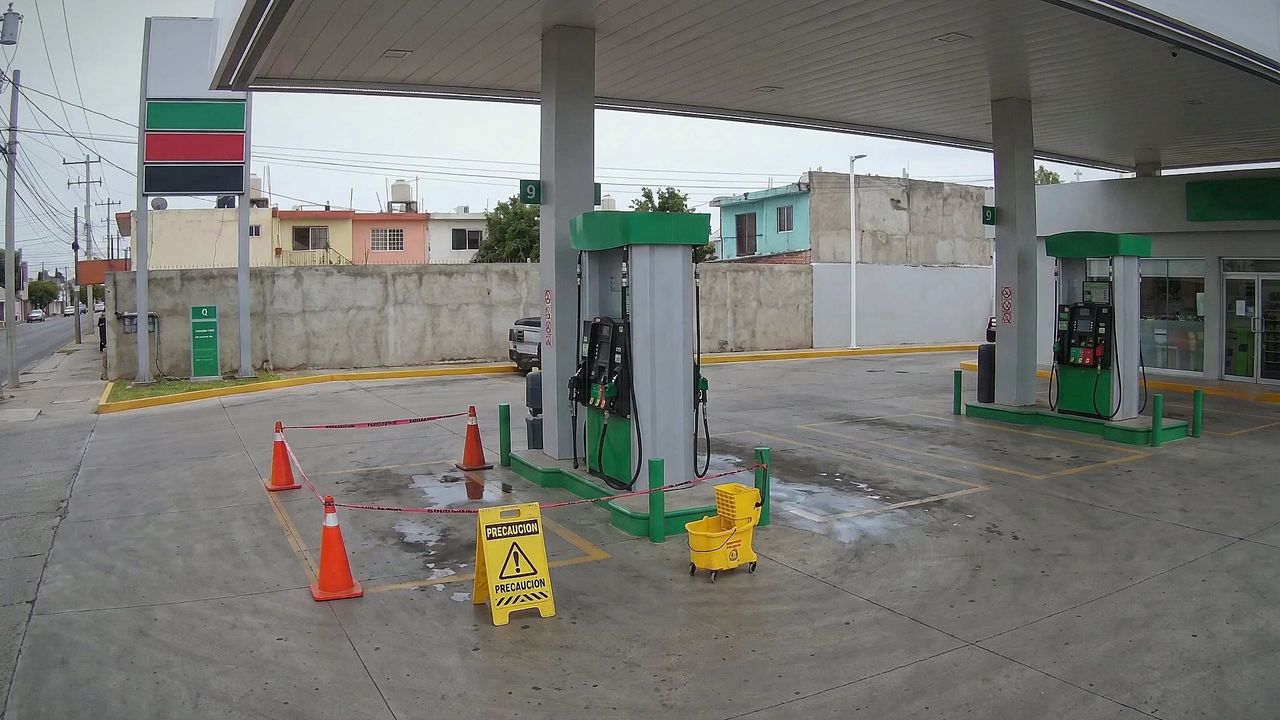
Obstructed bay
Find recorded moments with a plain-language query.
Explore →| Time | Camera | Event | Severity | Status | Ticket |
|---|---|---|---|---|---|
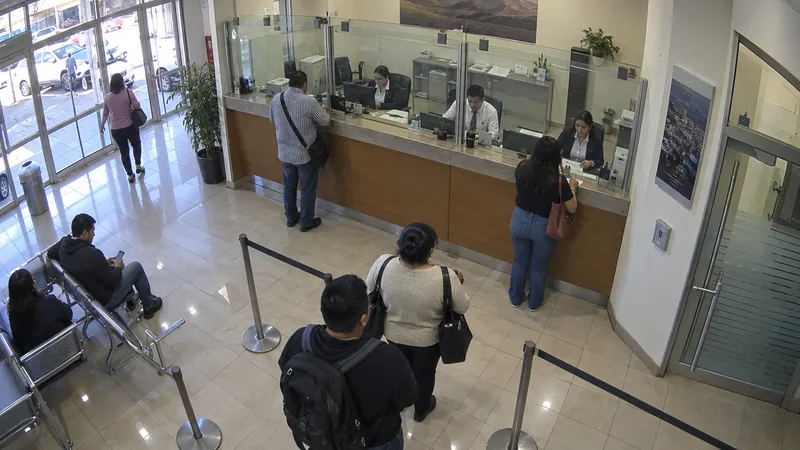
| 20:14:02 | Branch service area | Extended wait | Attention | Needs review | TKT-1842 |
| 20:14:08 | Parking lot | Object in entrance | Attention | Needs review | TKT-1843 |
| 20:14:16 | Teller queue | Person in restricted area | High | Approved | TKT-1844 |
| 20:14:21 | ATM | Movement at service window | Attention | Needs review | TKT-1845 |
| 20:14:29 | Tellers | Stopped vehicle | Attention | Needs review | TKT-1846 |
| 20:14:34 | Waiting room | Entrance crossing | Informational | Needs review | TKT-1847 |
| 20:14:41 | Branch entrance | Plate detected | Informational | Needs review | TKT-1848 |
Bring activity that needs attention to human review.
Explore →Connect every event to a procedure and an owner.
Explore →Connect your current VMS through the ONVIF bridge.
Explore →Operations · Shift B
Last 24 h · exampleEvents for review by camera
Alerts handled this shift
Review service and security in the same dashboard.
Explore →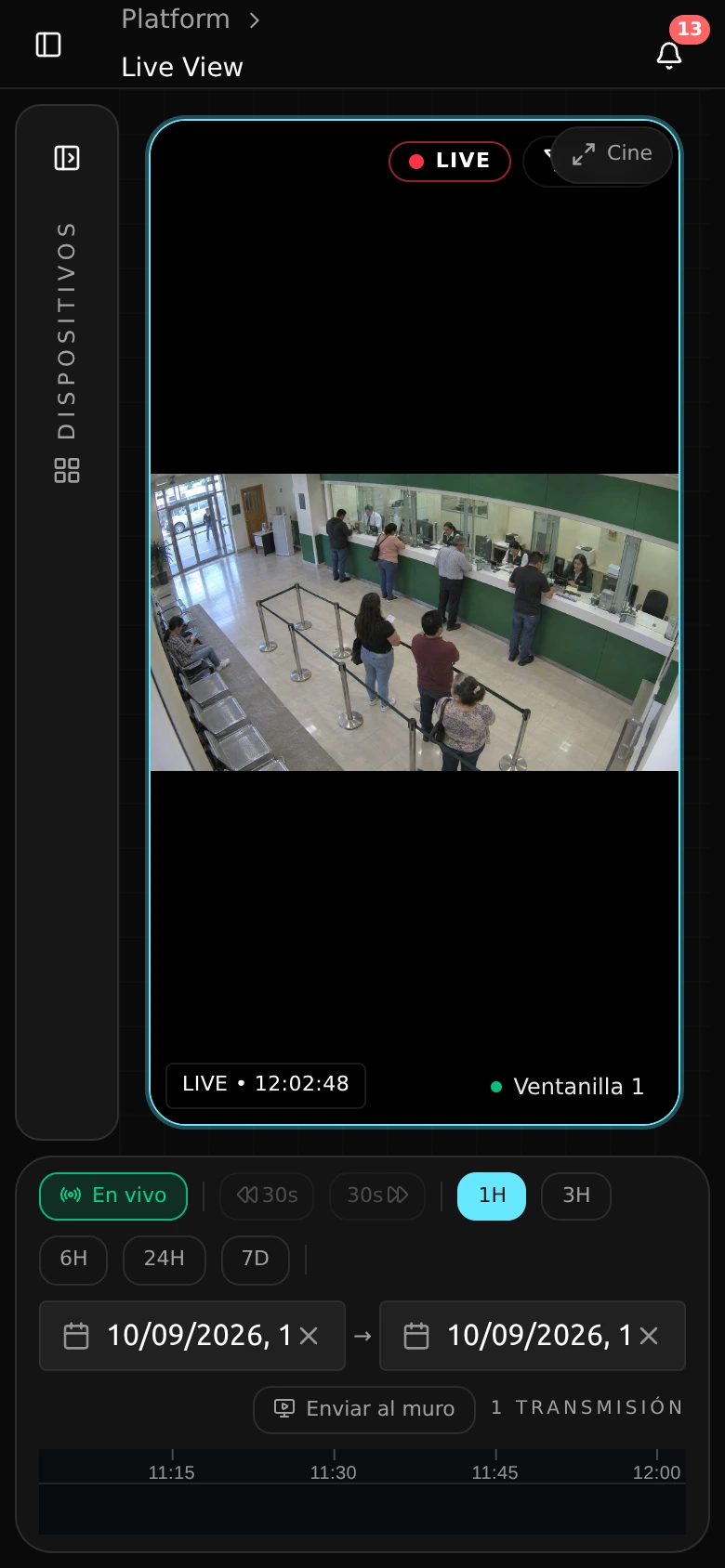
Repeat camera onboarding with guided tablet setup.
Explore →Production · The live wall is a product recording. Demonstration · The other scenes are generated, with model detections and scene annotations; flows, boards and events with example data.
The data path
The edge node analyzes alongside CCTV. Each site’s policy defines which clips and metadata reach the central platform for review and response.
Camera
Video from existing cameras.
Edge node
Local analytics and site rules.
Clips and metadata
Segments and context selected by policy.
Central platform
Review, procedures and decision records.
Demo · Data path for an example site; policy is agreed in the pilot.
Before expanding
A pilot at your site
Take the tour and choose a site for a pilot with acceptance criteria. The proposal is based on what your team validates.
Your privacy
We protect the chat from abuse with an anonymous browser signature that is never stored and never identifies you. If you accept, we also keep an identifier in your browser to recognize your visits and learn which pages help. No third-party cookies, no cross-site tracking.