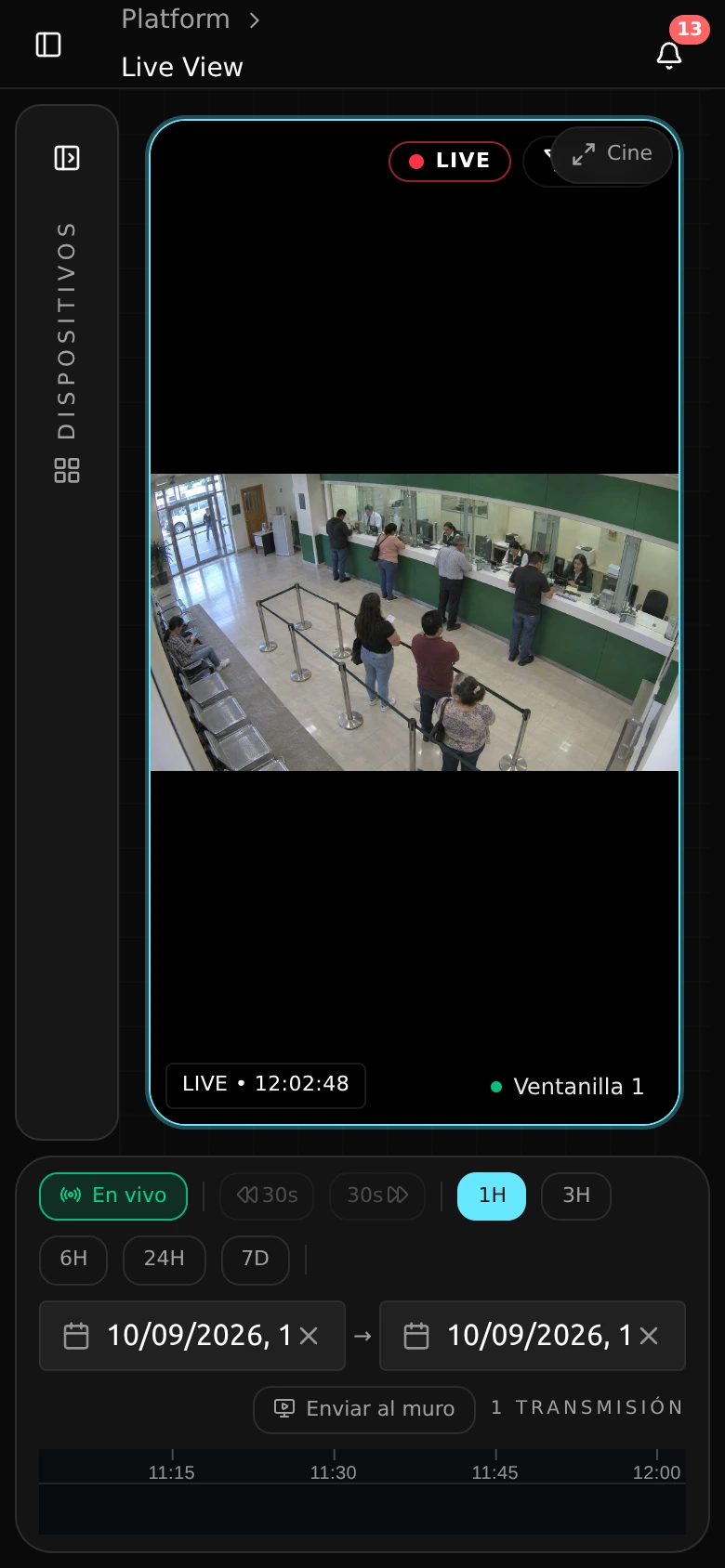
Production · Product capture with demonstration data.
Deployment
Hundreds of sites, the same playbook.
Guided setup takes the technician from discovery to camera validation. Analyze at the site, without internet, alongside CCTV; the pilot sizes the node before repeating installation.
What you can do
Choose the node for the workload.
Profiles of 8, 16 or 40 cameras per node are sized in the pilot according to resolution, models and retention. Hardware-neutral: NVIDIA, Intel, Apple or CPU, according to the validated workload.
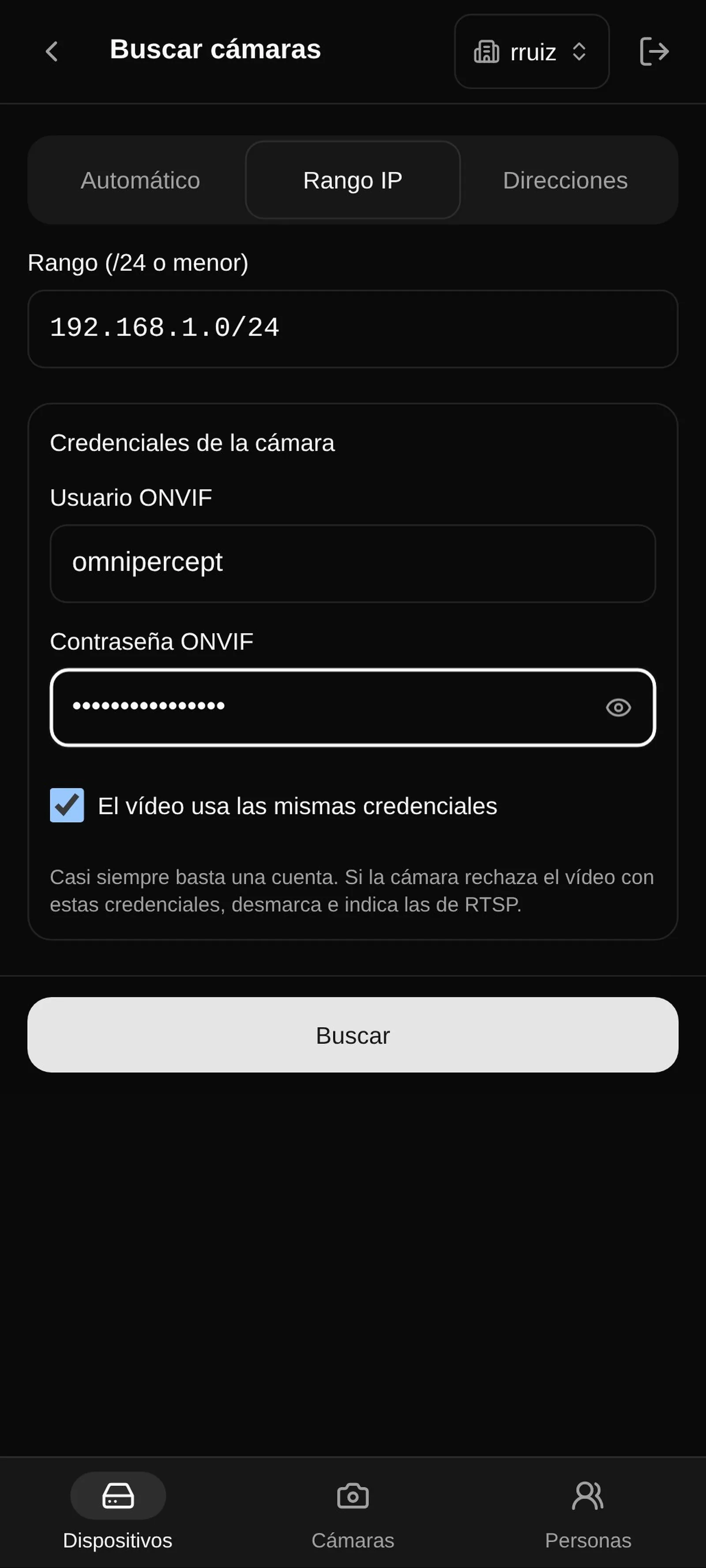
Guided camera setup
Discover and verify cameras from the site before adding them to operations.
Site templates
Repeat a known configuration when adding cameras at new sites.
Local analytics
Analyze video within the site without relying on internet for that task.
Standard hardware
Choose processing hardware according to site needs and validation.
Scaling and capacity
Distribute cameras across devices and adjust central services to configured load.
Pilot and sizing
Agree on a pilot with requirements and acceptance criteria for your site.
On-site setup
One technician, one tablet, one morning.
The guide organizes discovery, access and validation. Actual duration is confirmed in the pilot according to the network, cameras and site scope.
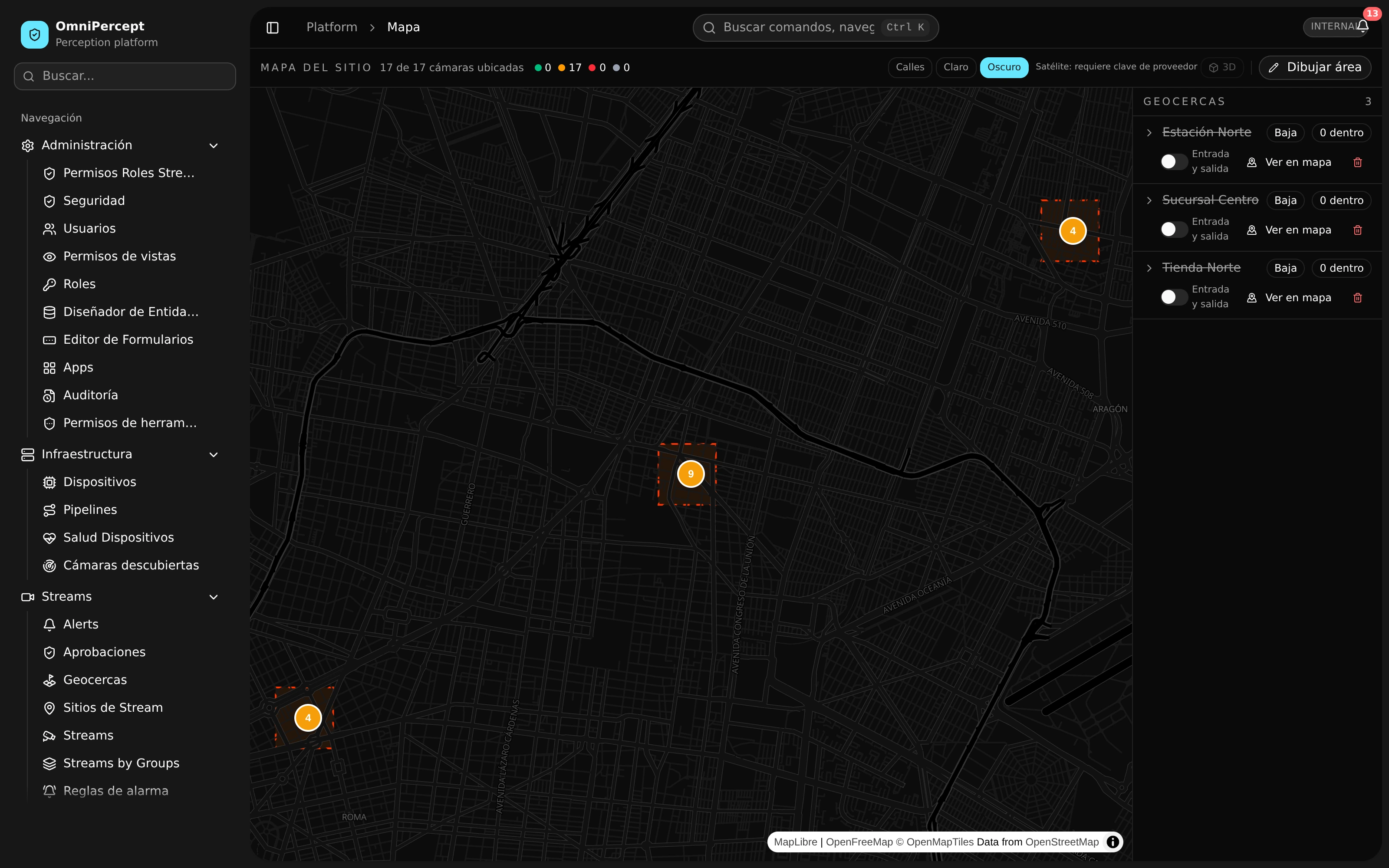
Production · Product capture with demonstration data.
What gets enabled
Scope
The pilot defines capacity, storage and operating conditions. Roadmap backup mechanisms are evaluated separately.
- Guided camera setupIncluded
- Camera importIncluded
- Site templatesIncluded
- Configuration historyIncluded
- Local analyticsIncluded
- Standard hardwareIncluded
- Parallel operationIncluded
- Hybrid storageIncluded
- Video backupRoadmap
- Backup and restoreIncluded
- Central resilienceIncluded
- Standby recorderRoadmap
- Recovery siteRoadmap
- Scaling and capacityIncluded
- Capacity forecastIncluded
- Controlled updatesIncluded
- Analytics configurationIncluded
- Service recoveryIncluded
- Pilot and sizingIncluded
- Training and handoverIncluded
- Web console and languagesIncluded
- Native mobile viewerRoadmap
- Analytics catalogIncluded
- Extended release supportRoadmap
- Measured load
- Camera count is validated alongside resolution and active models.
- Network and storage
- Agree on what stays at the site and what reaches the central platform.
- Repeatable handover
- Document the template, owners and tests for the next installation.
Before expanding
Validate one site before repeating it.
- Hardware-neutral
- Sizing considers NVIDIA, Intel, Apple and CPU according to workload.
- Local work
- Local analytics continues without an internet connection.
- Tested handover
- The pilot leaves acceptance criteria and a guide for your team.
A pilot at your site
Prepare the first site to repeat it.
Size a node with your cameras, your network and your team’s acceptance criteria.