Integration
Any signal. One flow engine.
An alarm, a plate read, a point-of-sale ticket, a VMS webhook or a cron enter the same engine. Inputs and outputs are configuration, not development: compose the logic on a canvas without code.
- ONVIF eventInput
- Panel alarmInput
- Access controlBoth
- Point of saleInput
- Plate readInput
- Edge analyticsInput
- WebhookBoth
- EmailBoth
- CronInput
- GraphQL APIBoth
- Inbound telephonyInput
- FormInput
Demo · Example sources and run using the real product interface. Each connection depends on the protocol, permissions and source account; it is validated in the pilot.
ONVIF bridge
Your existing cameras enter the same engine.
Connect VMS video and events through the ONVIF bridge. Inputs are configuration, not development: agree on the source, camera and rule that starts the flow.
Your existing cameras
The bridge maps available cameras to your sites and events.
Your existing VMS
The platform interoperates with ONVIF and validates the bridge against your VMS version.
An event with context
Source and time let the engine find the clip and start the procedure.
Production · Console capture from a demo environment. Your VMS protocol, version and permissions are validated in the pilot.
Webhooks and API
The event brings the data. The canvas decides the path.
An authenticated webhook receives the signal; the GraphQL API reads or delivers context under agreed permissions. Map source-system fields to the flow: inputs and outputs are configuration, not development.
| Name | Fields | Example use |
|---|---|---|
| alarm.received | sourceId, cameraId, occurredAt | Find the clip and notify the operator |
| plate.read | plate, cameraId, occurredAt | Enrich the event with the plate |
| pos.ticket | ticketId, terminalId, occurredAt | Link the transaction to video |
| access.changed | doorId, result, occurredAt | Review the access clip |
| analytics.event | analyticId, cameraId, trackId | Start the analytics rule |
| schedule.tick | scheduleId, siteId, scheduledAt | Prepare the shift close |
Demo · Example schemas and fields in the product table; these are not an API contract. Mapping is validated against your source system.
Telephony
The same engine also calls.
Place the Call node after the decision. The t6x engine includes outbound telephony; Omnipercept supplies the clip and video context. Configure the provider and destination for your procedure.
Transcript
AgentMonitoring centre, event at pump island 2. The response rule received an alarm and linked the camera clip.
OperatorReceived. Share the ticket so we can review the evidence.
AgentTicket TKT-1844, site SITE-014. The assigned operator will review the clip and confirm response.
{ } Structured result
{
  "event": "alarm.received",
  "site": "SITE-014",
  "ticket": "TKT-1844"
}
Demo · Example transcript using the real product component; no call was placed. Account and connection are validated in the pilot.
- A call inside the flow
- The engine calls the monitoring centre and reads the event context.
- A configured provider
- Account, destination and permissions are tested before calls are enabled.
- Result in the record
- The call returns its result so the flow can continue or route the error.
Outputs
A decision reaches whoever needs to act.
Email, ticket, call or webhook leave the same engine and retain context. Configure destinations and paths on the canvas without developing an orchestration service for each output.
Notify
Deliver the event and evidence to the configured channel and recipient.
Open a ticket
Assign an owner and keep track of the response.
Send a webhook
Return the result to the system that needs to continue the procedure.
- Find clip
- Seal evidence
- Notify the operator
- Open ticket
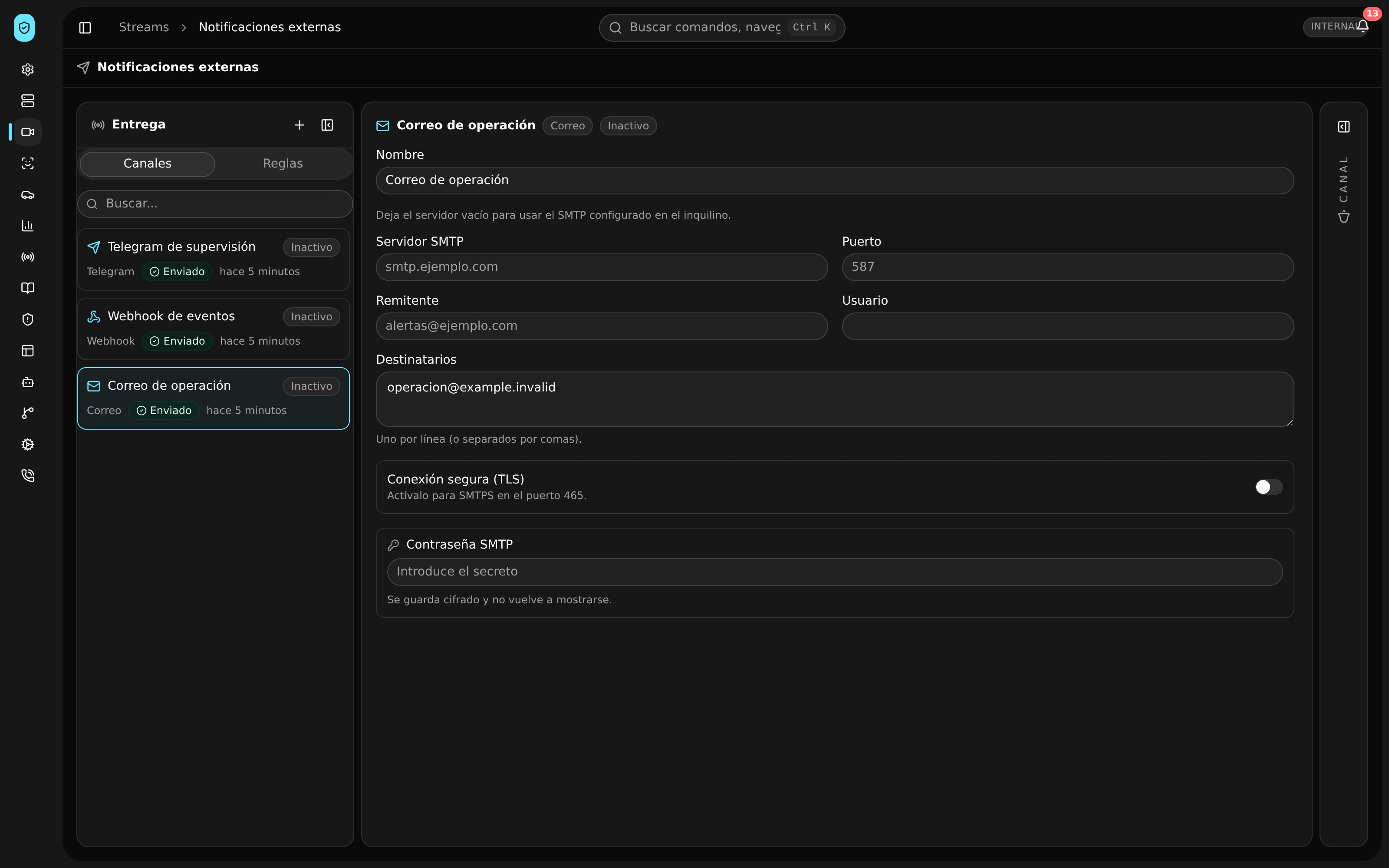
Demo · Example notifications and run using real product components. External channels require your account and permissions.
What gets enabled
Scope
Connections depend on the protocol, permissions and version of the source system. The platform interoperates with ONVIF; each bridge is validated in the pilot.
- Existing camerasIncluded
- Camera eventsConnects
- Video federationConnects
- Transactions with videoConnects
- Service by staff memberConnects
- Alarms and access eventsConnects
- Integration interfacesConnects
- Email and messagingConnects
- Events to external systemsConnects
- Corporate monitoringConnects
- Network monitoring alertsConnects
- Inventory to monitoringConnects
- Sensor connectionConnects
- Device catalogIncluded
- Reading validationIncluded
- Device geofencesConnects
- Corporate identityConnects
- Identified source
- Document the device or system sending each event.
- Agreed access
- Validate service credentials and permissions with the system owner.
- Complete test
- Check the path from the external event to video and response.
Before expanding
Test a connection from end to end.
- Inventory first
- Start with the VMS, cameras and systems your team uses.
- Service permissions
- Each bridge receives the access its function requires.
- Joint validation
- The source system owner participates in the test.
A pilot at your site
Connect the system you already use.
Share your inventory and the event you need to link to video. Define a bounded connection for the pilot.