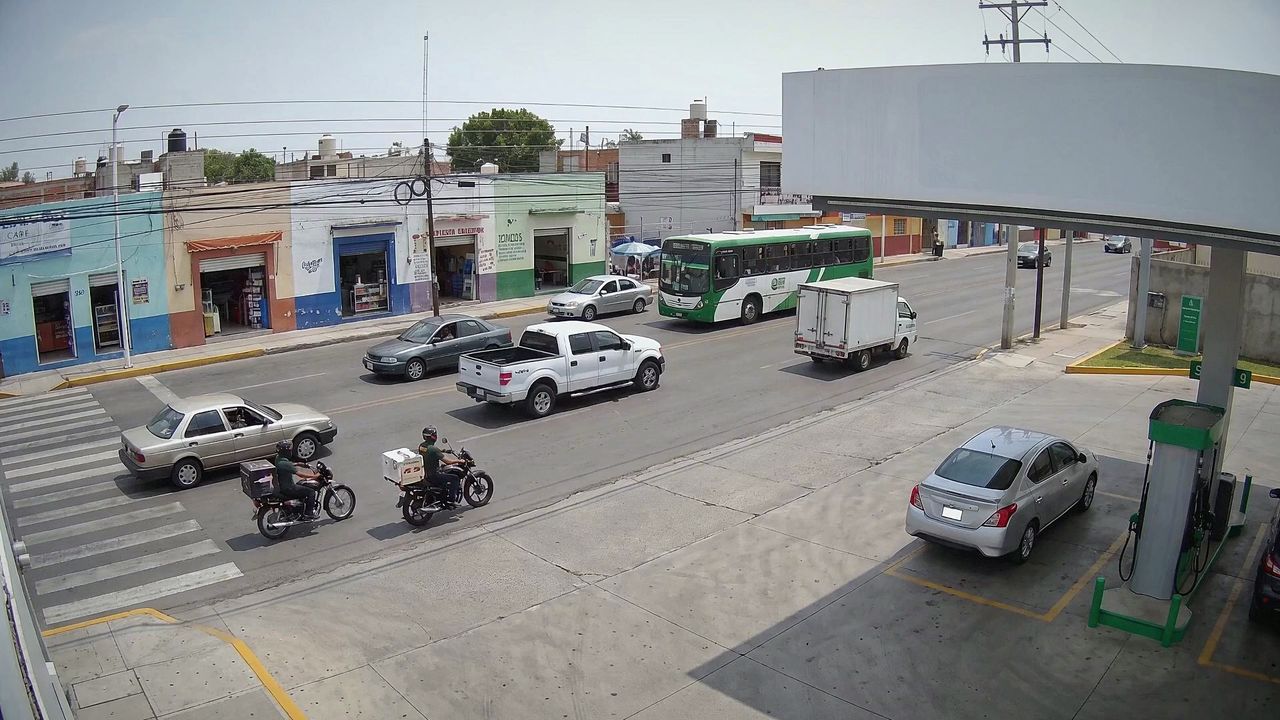
Motorbikes at the entrance
16:30:45
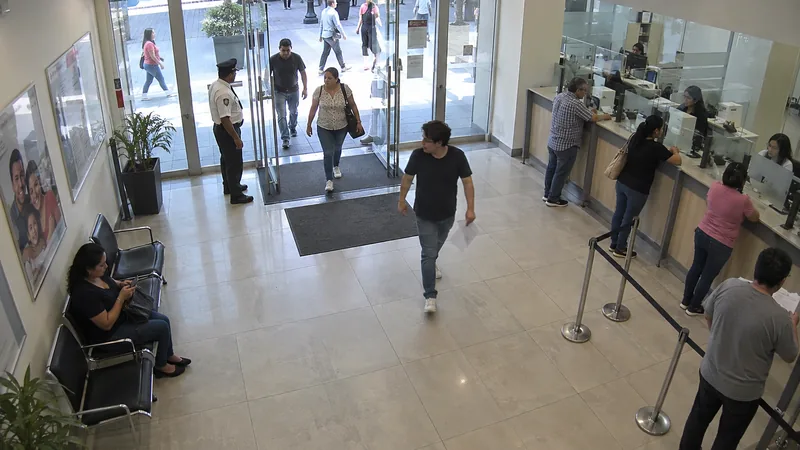
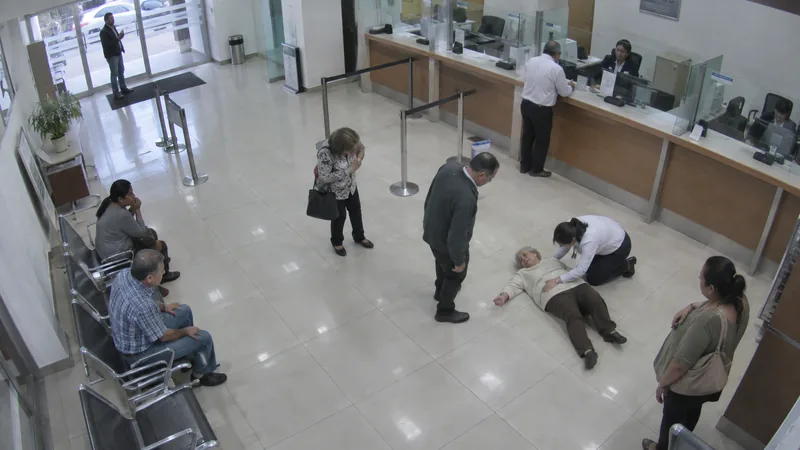
Person down
08:08:28
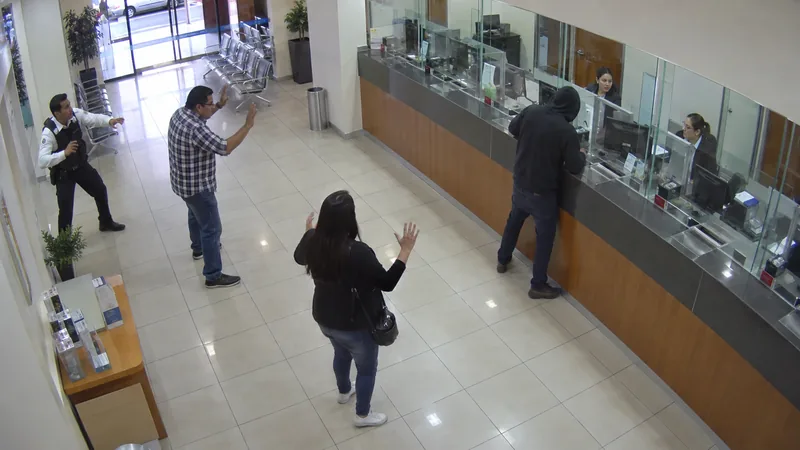
Hands up
18:26:42
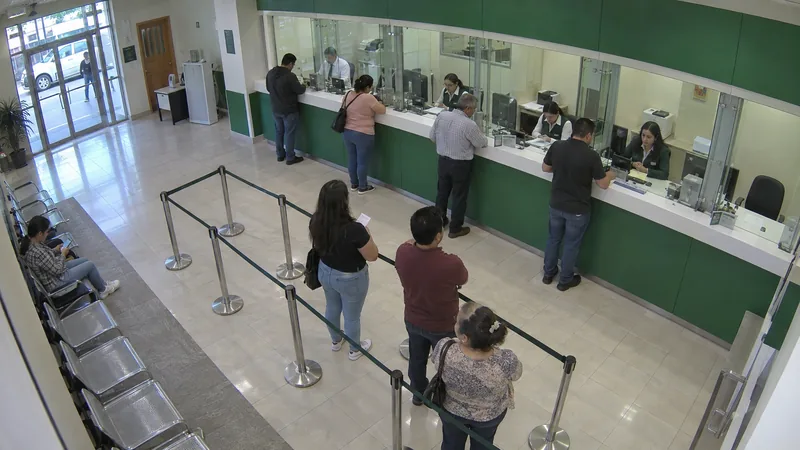
Teller queue
13:53:36
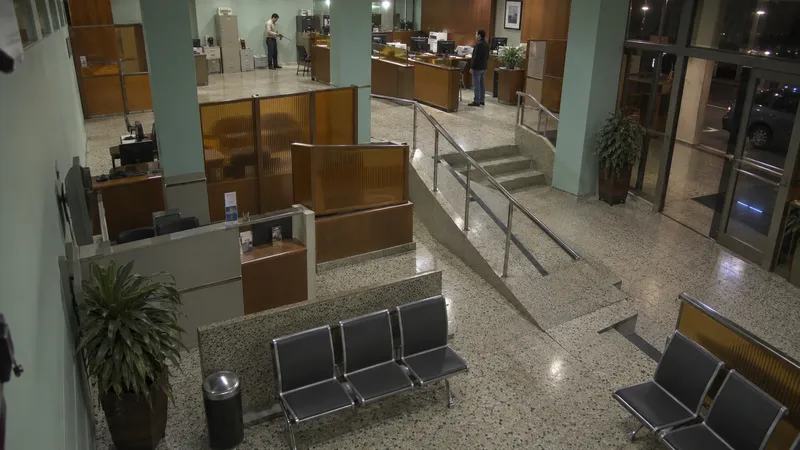
Weapon
08:18:18
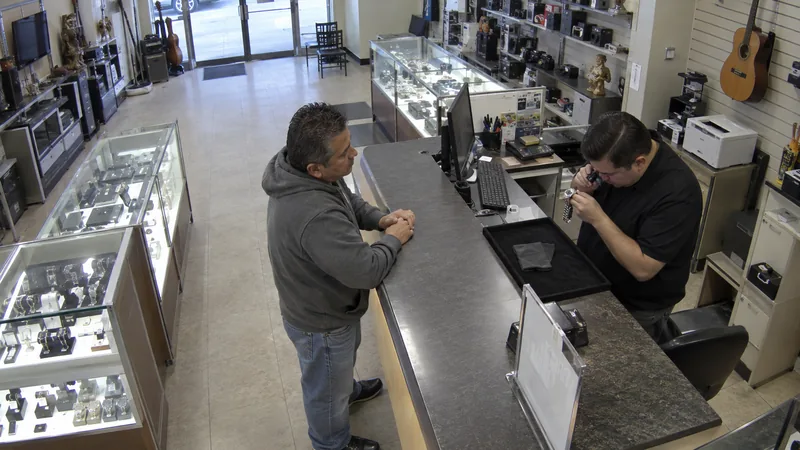
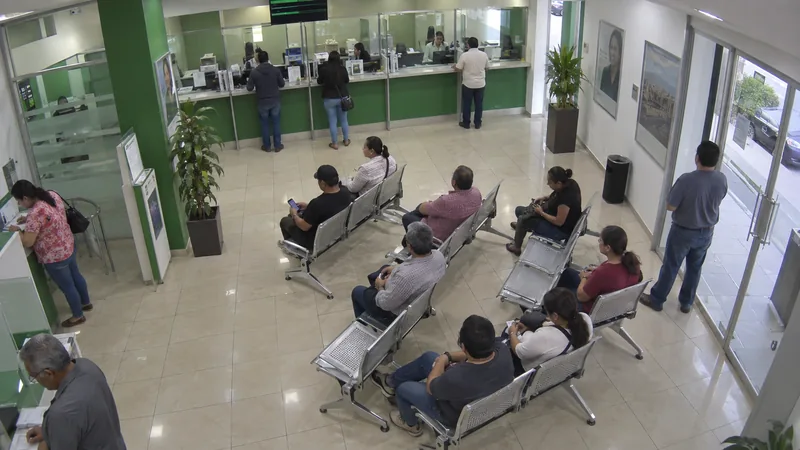
Demonstration · Generated scenes; reticles, pose and classes are detector output. Event labels are model tags (analytics) or scene annotations; cameras from the registry.
Video
Your existing cameras. One system.
Watch the site live and return to the recorded moment on the same screen. Organize cameras, playback and retention while keeping the context of what happened.
What you can do
From the overview to the detail.
Save the views each shift uses and review several cameras on the same timeline.
Live video
See what is happening across your cameras on one screen.
Saved layouts
Arrange cameras around each operator's work.
Video wall
Share the incident view on the control room screens.
Synchronized playback
Reconstruct an incident from several cameras at the same moment.
Camera retention
Set how long to retain each camera's footage for the site's needs.
Privacy masks
Hide sensitive areas in live viewing and analysis.
One camera, full context
Return to the entrance you need to review.
Video keeps the full scene. A clip and its frames let you share the moment the operator chose to review.
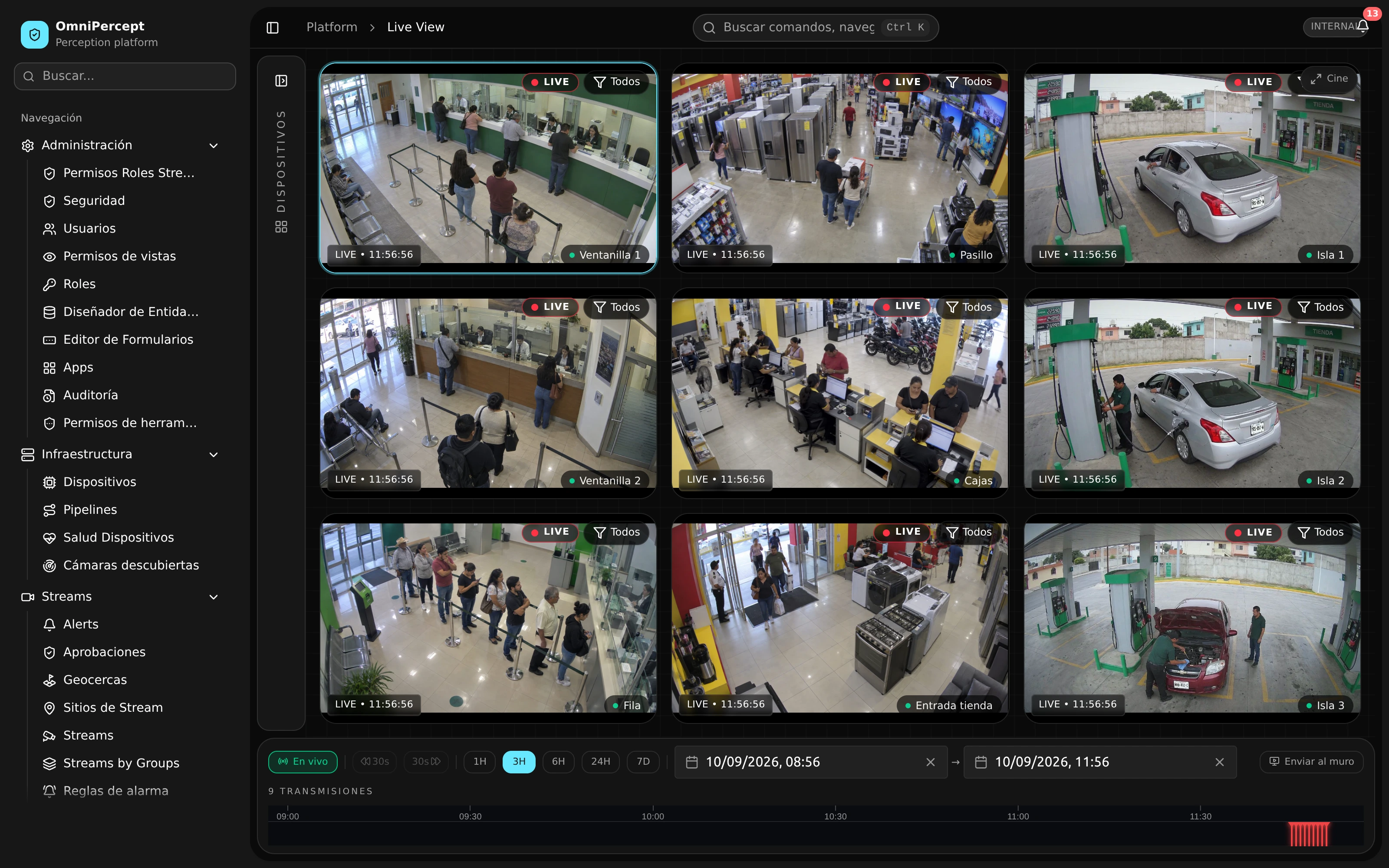
Production · Product capture with demonstration data.
What gets enabled
Scope
Retention, profiles and access are defined per camera. Roadmap functions are reviewed separately.
- Live videoIncluded
- Saved layoutsIncluded
- Video wallIncluded
- Synchronized playbackIncluded
- Continuous recordingIncluded
- Event recordingIncluded
- Interval recordingIncluded
- Clips and snapshotsIncluded
- Camera retentionIncluded
- Video profilesIncluded
- Video formatsIncluded
- Adaptive viewing qualityIncluded
- Manual camera framingConnects
- Wide image correctionIncluded
- Automatic digital zoomIncluded
- Camera audioIncluded
- Privacy masksIncluded
- Export redactionIncluded
- Camera panoramaRoadmap
- Camera archive recoveryRoadmap
- Activity based qualityRoadmap
- Your cameras
- Review protocols, video access and recording capacity before enabling the site.
- Your retention
- Agree on storage duration and available capacity for each camera.
- Your review
- Define who can view, export or change the framing of a connected camera.
Before expanding
Review with the team that knows the site.
- Existing cameras
- The pilot starts with the inventory and protocols you already use.
- Access by role
- Each person sees the cameras and actions their work requires.
- Agreed retention
- Retention is sized around your operation and storage.
A pilot at your site
Bring a camera. Review the whole journey.
Check live video, playback and export on a camera at your site.